A digital stamp card your customers can't lose
Your stamp card becomes a pass in Apple Wallet on iPhone or Google Wallet on Android, right beside the cards they already carry. Customers add it with one scan, your team stamps it with another, and it keeps itself up to date.
You've earned a stamp
You have a reward ready
Always with them
The card sits in their phone wallet, so it's there at the counter
One scan at the counter
Your team scans the card to add a stamp or redeem a reward
See who comes back
A paper card can't tell you who your regulars are. This one can
What a mobile wallet pass is
A mobile wallet pass is a digital card in the wallet on a person's phone: Apple Wallet on iPhone or Google Wallet on Android. It sits with their boarding passes and bank cards, so there's no loyalty app to open.
With Rambla, your stamp or points card becomes that pass, with your logo, each customer's progress and a code your team scans. When the card changes, the pass changes too.
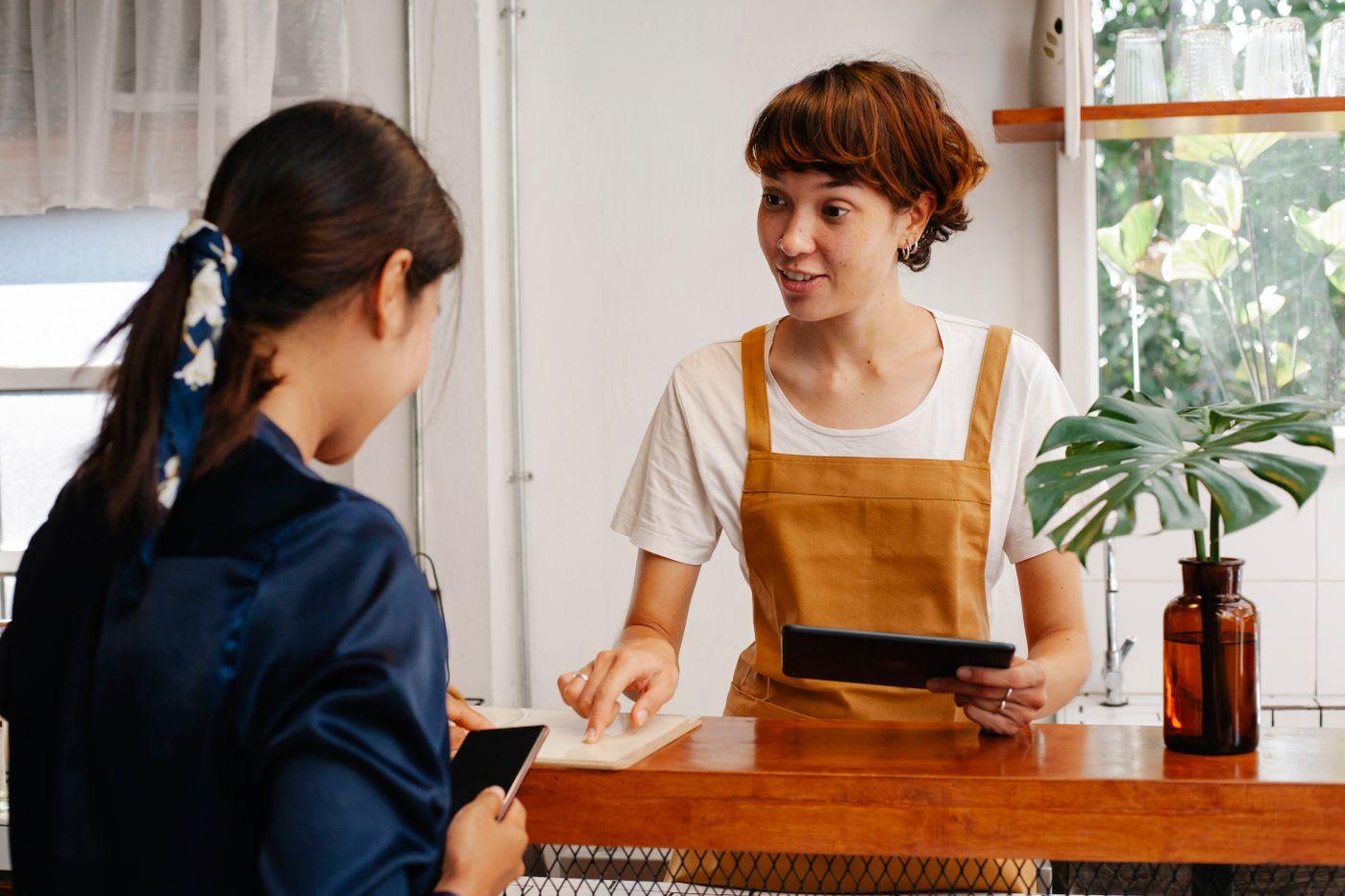
How a customer adds your card
They scan your QR code
Print it, stand it on the counter or show it on a screen. It opens a page with your business and what your card earns
They tell us who they are
One short form with their name, email, phone number and birthday, then a code sent to their email. There's no password to set up and no Rambla app to install
They add it to their wallet
An iPhone shows Add to Apple Wallet and an Android phone shows Add to Google Wallet. One tap saves the card, ready for the first stamp
One card, both wallets
Your customers add it to Apple Wallet on iPhone or Google Wallet on Android. You set it up once
What your customers and your team see
Your card, with their progress on it
The pass looks like your card, with a row of stamps that fills in as they visit. A points card shows their balance and reward levels in place of the stamps.
- Stamps collected and the reward they're working toward
- How many rewards are ready, and the last day to use each one
- A live offer, while you're running one
- The latest thing that happened on their card
- A link to their history and their settings for hearing from you
One scan and it's done
Your team scans the code on the pass with the Rambla app on iPhone, or with any phone's camera while signed in to Rambla on the web. There's no hardware to buy and nothing to connect to your register.
- Add a stamp with a tap
- Enter the purchase amount to give points
- Redeem a reward from the same screen
- See who the customer is and what they've earned
The pass updates itself and lets them know
Each change reaches their lock screen on its own. Birthday and comeback rewards are yours to turn on
Stamp 3 of 10
Free latte is ready
Free cookie expires tomorrow
Happy birthday! A Birthday cookie is waiting at Little Cup Cafe
We miss you! A Free cookie is waiting at Little Cup Cafe
New offer: Free cookie with any latte
Your card, right when they walk by
When a customer is close to your shop, or any of up to ten locations, their phone can bring your card forward.
Apple Wallet shows a line about their card on the lock screen, like "3 of 8 stamps, 5 to go". Google Wallet sends its own reminder that they hold your pass.
It all happens on the phone, so Rambla never receives anyone's location.
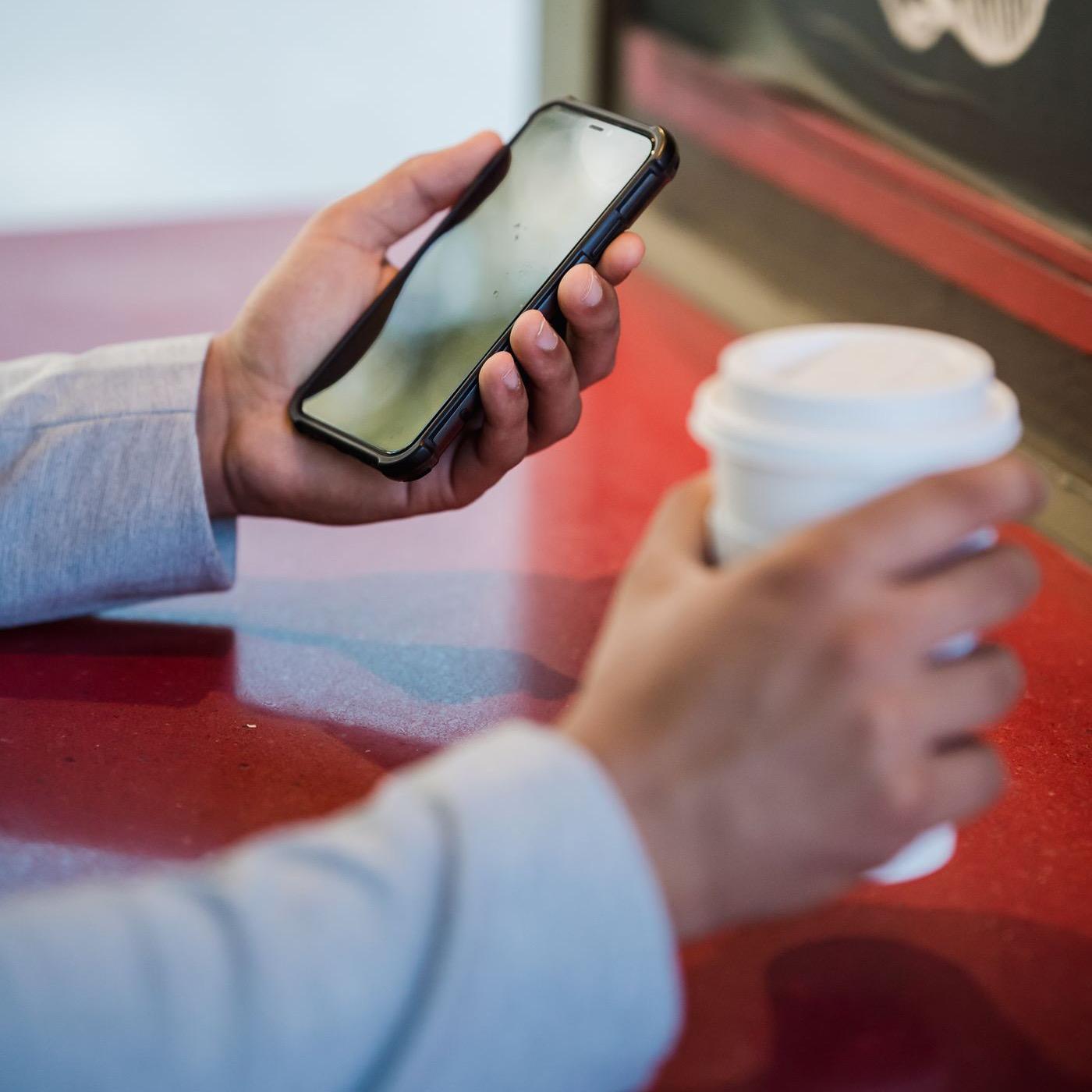
What a paper stamp card can't do
It can't get left at home
Customers carry their phone everywhere, and their card comes with it
It can't remind anyone
A digital card can show progress and reward updates on their lock screen
It can't change
Update your reward or switch between stamps and points without reprinting anything
Questions about digital stamp cards
Is a stamp card the same as a punch card?
Yes, it's the same idea. Some businesses call them punch cards. On Rambla, it's a stamp card.
Do customers need to download an app?
No Rambla app is needed. They scan your QR code and add the card to Apple Wallet or Google Wallet, with no password to set up.
Is anything different between Apple Wallet and Google Wallet?
Your customers get the same card and rewards in both. Near your shop, Apple Wallet can show a line about their progress on the lock screen, as long as Location Services is on for Wallet. Google Wallet allows up to three alerts per pass a day, and near your shop it sends its own reminder, which needs notifications and precise, always-on location. A Google Wallet pass is saved to the customer's Google account, so it opens on any device they're signed in to.
Can customers turn the alerts off?
Yes. They can turn off notifications for the pass in Apple Wallet or Google Wallet, and the link on the pass has their settings for hearing from you.
Do I need new equipment?
No. You scan cards with the Rambla app on a phone, and there's nothing to connect to your register.
How much does a digital stamp card cost?
Rewards is $30 per month for each storefront, after a 60-day free trial. Your customers never pay anything.
See what else you get
Insights
See what's working and when people come in
How Insights worksAutomatic rewards
Signup, birthday and comeback rewards that go out on their own
See the rewardsPromotions and alerts
Put a short offer on every customer's card
How promotions workStorefront page
Your hours, address and rewards card in one place
What's on the page